The data model
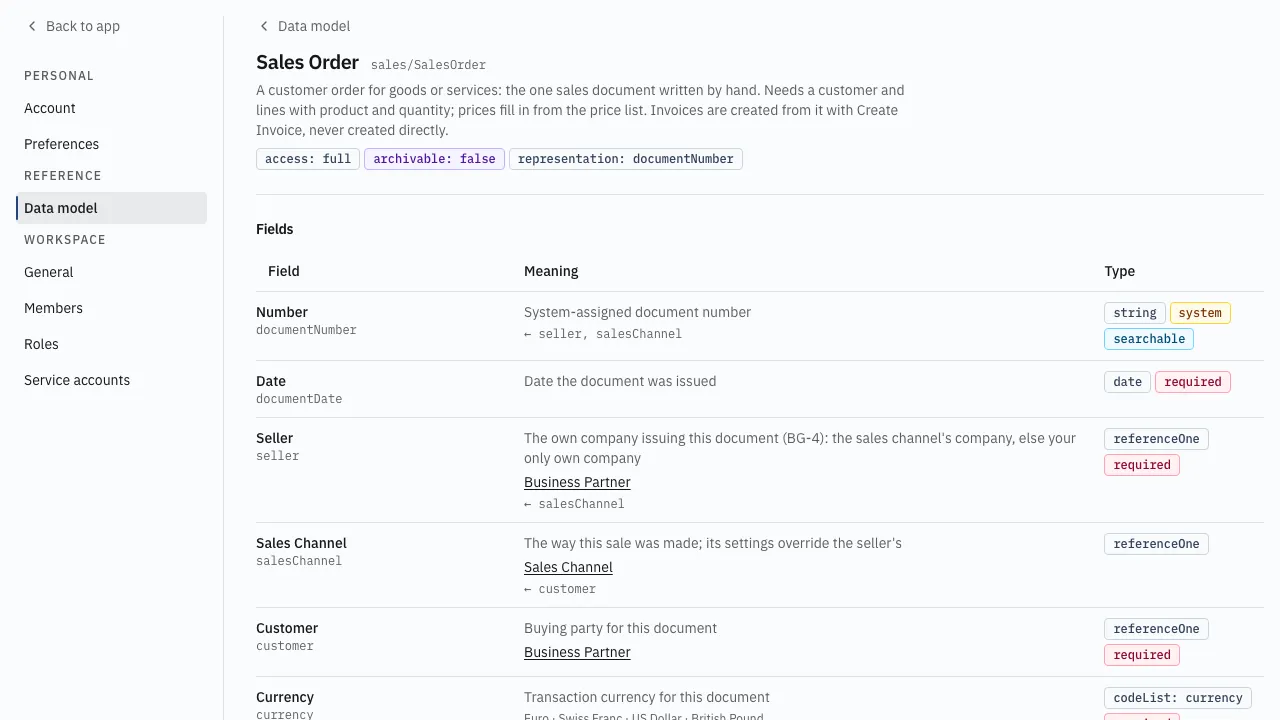
Settings → Data model describes every kind of business object your workspace keeps, such as sales orders, products or locations. It answers questions like “what does this field mean?” or “where else is this used?” without opening an order or a product. Every member can open it: choose your name at the bottom of the sidebar → Account, then Data model under Reference.
Finding a kind
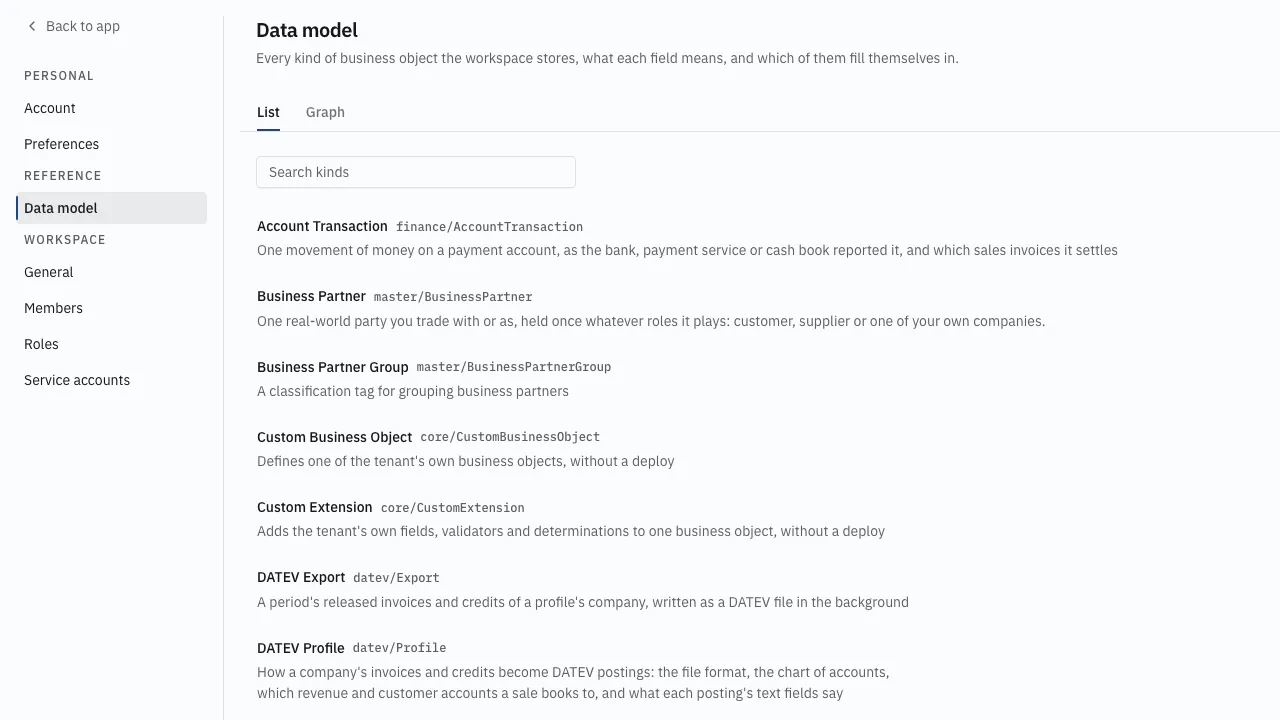
Section titled “Finding a kind”The List tab shows every kind by name. Search kinds narrows the list. The Graph tab draws the kinds as boxes, with a line wherever one refers to another, for example a sales order to its customer. Choose a box to open it.
What each kind shows
Section titled “What each kind shows”Choose a kind to see:
- Fields: every field with its label, its meaning and its type. Fields inside a line, such as an order’s items, are indented under it.
- Rules: a diagram of the values OnERP fills in by itself, such as a line total or the tax handling, and the fields each one is calculated from.
- Checks: the checks it must pass before it is saved, by their technical name.
- Actions: what can be done to it, with what each action asks for.
- Referenced by: every other kind that points to this one. This is what prevents a business object from being deleted while it is in use.