Send a document
Sales orders and sales invoices print. A released invoice prints as a hybrid document: the page a person reads, carrying the machine-readable e-invoice inside the same file.
Get the PDF
Section titled “Get the PDF”-
Open the order or invoice.
-
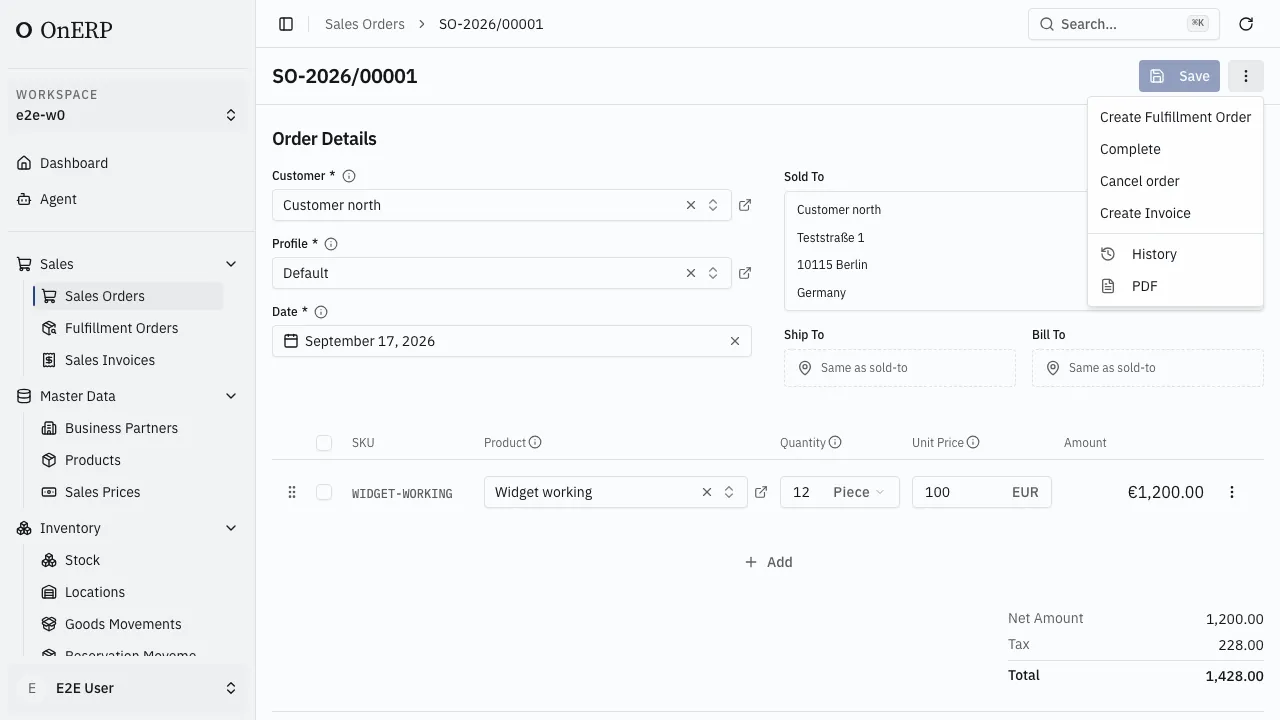
Choose PDF from the ⋮ menu.
-
The document opens in a new browser tab. Save it or send it from there.
An order prints as an Auftragsbestätigung (order confirmation), an invoice as a Rechnung, and a cancellation as a Stornorechnung naming the invoice it reverses.
The e-invoice inside it
Section titled “The e-invoice inside it”A released sales invoice is sealed as Factur-X (EN 16931): the same PDF, with the structured invoice XML embedded and the file converted to PDF/A-3 for archiving. One file satisfies both the person and the system receiving it. Nothing extra is exported and no separate XML is produced.
A draft invoice prints without it. A draft has no number, so it is not an invoice yet — and the printed page says Entwurf where the number belongs.
Sales orders are never sealed this way. The e-invoice standard covers invoices.
When the PDF refuses
Section titled “When the PDF refuses”Producing the document reads facts that must be there, and says which one is missing rather than printing an incomplete invoice. The usual causes:
- The selling company has no tax registration for its own country.
- The customer record behind the invoice is missing.
- A cancellation whose preceding invoice has no number or date.
- A country EN 16931 has no code for, which is rare and named explicitly.
Fix the record named in the message and choose PDF again.
What the page carries
Section titled “What the page carries”The address window, the footer and the payment details come from the profile and its company — the registration line from the company’s tax registration, the payee account from the bank account ticked Default, and the closing text from the profile’s Footer Text. Setting all of it up is Your company and profile.
The payment block names the document’s payment method, and carries the payee account only when that method settles by Bank Transfer. An invoice paid by card or wallet states its due date without an account to pay into, because a bank line under a wallet payment invites a second payment.
A released invoice keeps its file. A moment after an invoice is released, OnERP stores the PDF it prints, and from then on PDF returns that same file. Move offices, rename a payment method or change the layout, and the invoice still reads the way the customer received it — the copy you keep for the tax office has to. Until the file is stored, PDF prints the same invoice on demand.
Orders and draft invoices print fresh each time. They copy the selling company’s name and address the first time they are saved, so the letterhead stays the one the document started with; the registration line, the bank details and the footer are read live.