Stock lookup
Stock answers two questions from a scan: what does this location hold, and where does this product sit.
Look something up
Section titled “Look something up”-
Open Stock from the menu. The code field is focused and ready.
-
Scan a location label or a product label. Typing the code and pressing Enter does the same thing.
-
A location code opens what that location holds. A product SKU opens where that product sits.
-
Open a row to see the exact positions behind it, and the ledger entries that produced them.
Reading the result
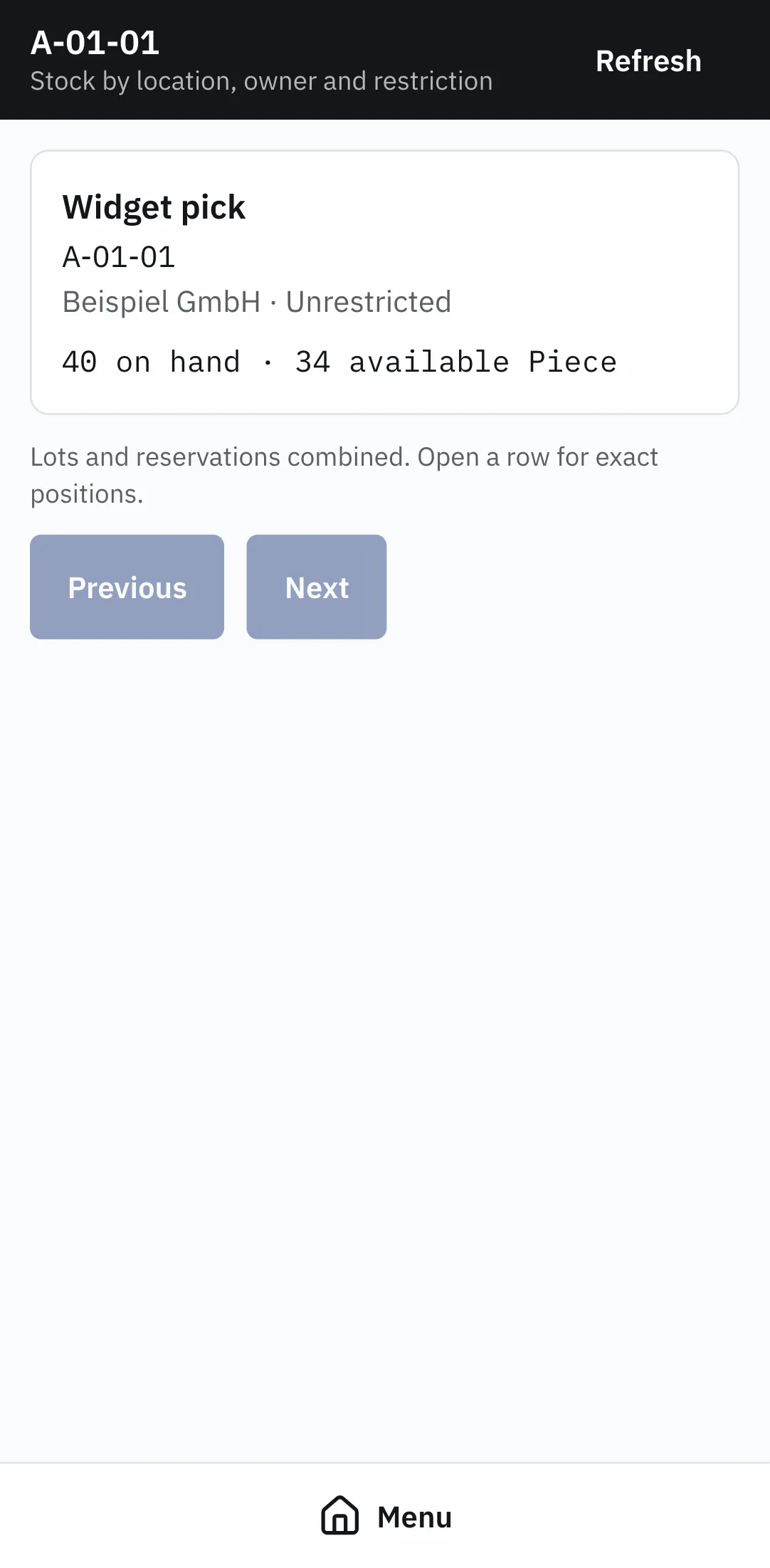
Section titled “Reading the result”Rows are grouped by location, owner and restriction, the same dimensions the admin screen uses. Summary quantities cover every matching position, including the ones on later pages.
Opening a row shows each exact position — its lot, its owner, its restriction, its reservation — and the movements behind it.
When a scan finds nothing
Section titled “When a scan finds nothing”- No location or product carries that code. The label belongs to something OnERP does not know, or the record was archived.
- That code is on more than one record. A location code and a product SKU share the same text. Codes have to be unique across both — see Locations.
Reading the same stock elsewhere
Section titled “Reading the same stock elsewhere”The admin app shows the same figures with filters and the full ledger — see Stock and the ledger. Why a quantity is what it is: How stock is counted.