Sign in on a device
The warehouse app is a second application built for a handheld: big touch targets, a scanner on every screen, and two tasks instead of forty.
It is not the admin app on a small screen. It has its own address and its own sign-in.
Sign in
Section titled “Sign in”-
Open the warehouse app’s address on the device. Whoever set OnERP up has it; by default it runs beside the admin app.
-
Enter the same email and password used for the admin app. Warehouse workers use one account, not a shared device login.
-
The menu opens.
The menu
Section titled “The menu”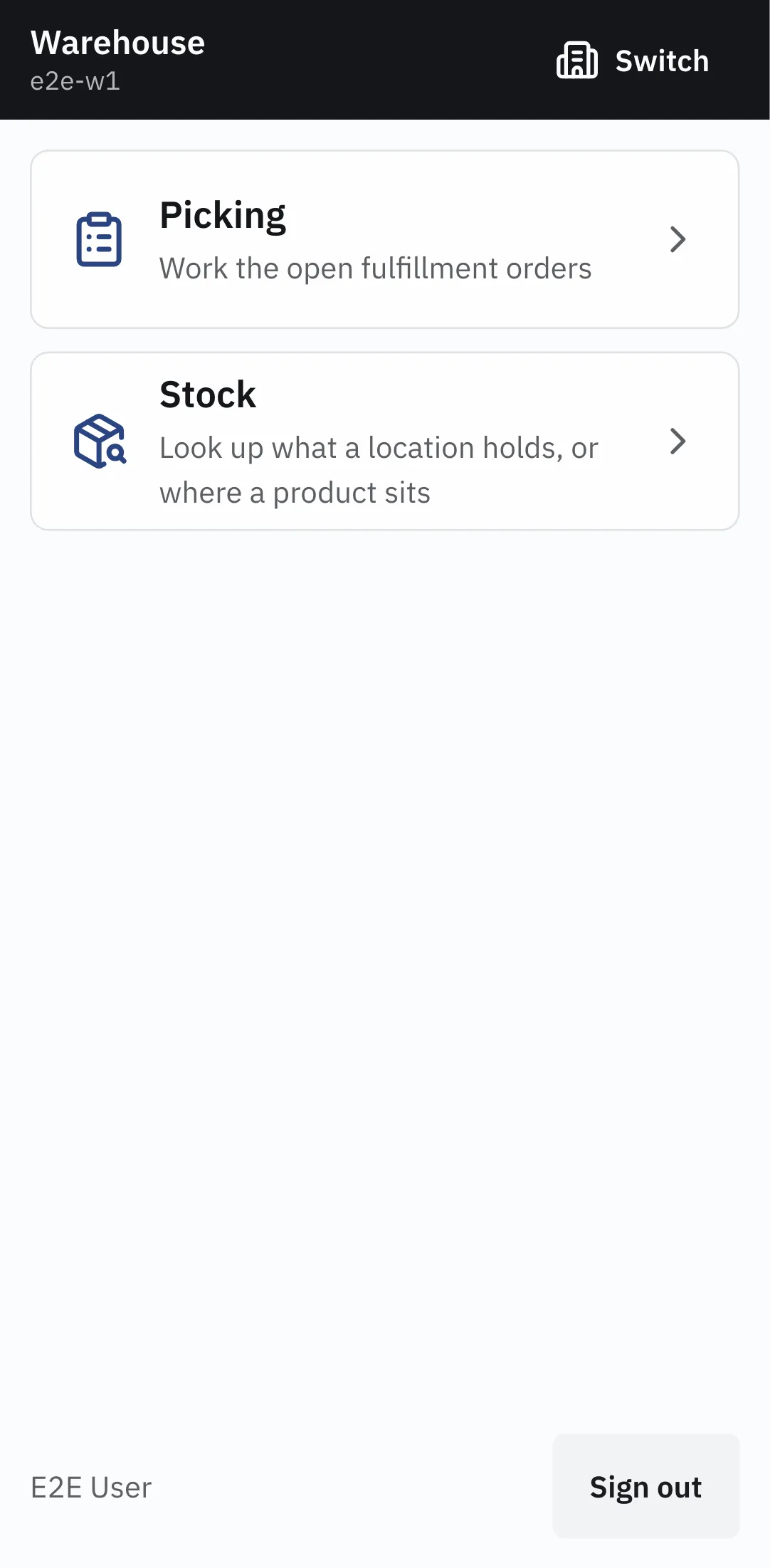
| Task | What it does |
|---|---|
| Picking | work the open fulfillment orders — reserve, pick, close |
| Stock | look up what a location holds, or where a product sits |
A member of more than one workspace gets a Switch control in the top bar. Every task screen has a way back to the menu pinned to the bottom.
Scanning
Section titled “Scanning”Every screen accepts a scan. A scanner that sends a terminator key lands the code the same way the on-screen keyboard’s Enter does, so a code can always be typed instead.
Codes resolve against two things, in order: a location code, then a product SKU. A code carried by neither reports that nothing holds it; a code carried by more than one record reports that it is ambiguous rather than guessing.
That means location codes and product SKUs have to be unique and distinct from each other — see Locations.
Where other work happens
Section titled “Where other work happens”The warehouse app picks and looks up stock. Receiving, transfers and corrections are recorded in the admin app — see Record a movement.