Locations
A location is anywhere stock can sit: a warehouse, an aisle, a bin. A new workspace has none, and no stock can be received, moved or picked until at least one exists.
Build the hierarchy
Section titled “Build the hierarchy”-
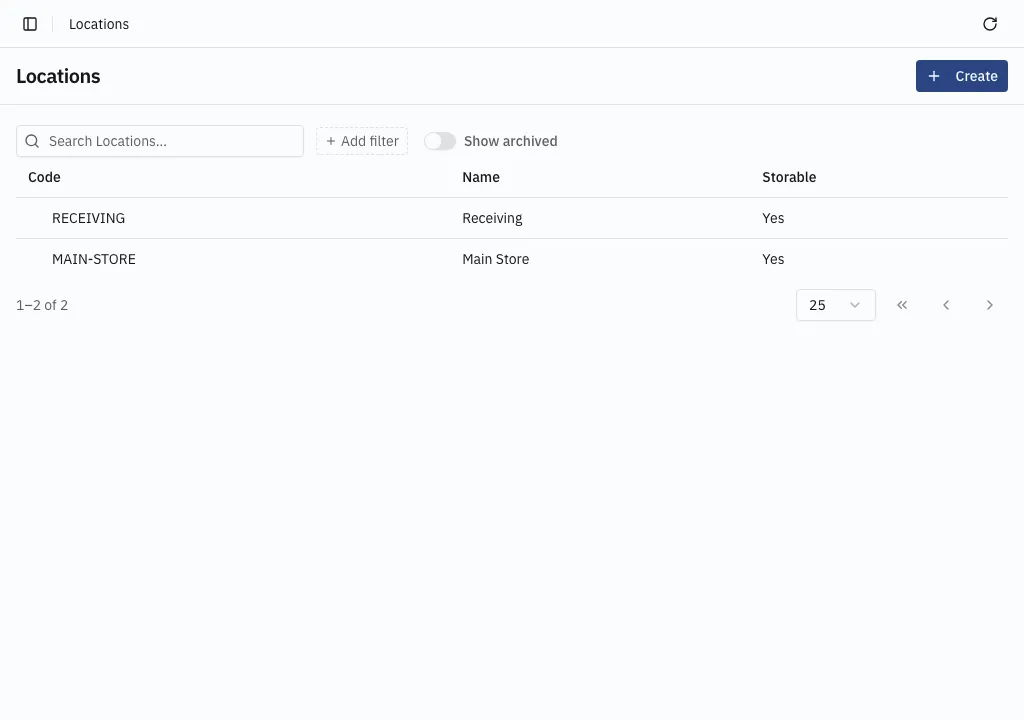
Open Inventory → Locations and choose Create.
-
Give it a Code and a Name. The code is what a warehouse label carries and what the warehouse app scans.
-
Leave Storable off for a grouping level such as a whole warehouse, and on for anywhere goods physically sit.
-
Save, then create the children beneath it, setting Parent to the level above.
Storable and not
Section titled “Storable and not”Only a storable location can receive or supply stock. A storable location can still have children — a bin that also holds shelves is allowed.
A filter on Within location covers a location and everything beneath it, so a warehouse that is only a grouping level still reports the total its bins hold. A filter on Location means exactly that one.
A shape that works
Section titled “A shape that works”WH-MAIN Main Warehouse not storable A-01-01 Electronics storable A-01-02 Cables storable B-01-01 Raw materials storableWH-RET Returns Warehouse not storable R-01 Inspection bench storableCodes are what people scan and read on labels, so keep them short and keep the scheme consistent across the site.
Stock can now be received — see Record a movement.