Business partners
Customers, suppliers and your own companies are all business partners, under Master Data → Business Partners.
Add a customer
Section titled “Add a customer”-
Choose Create.
-
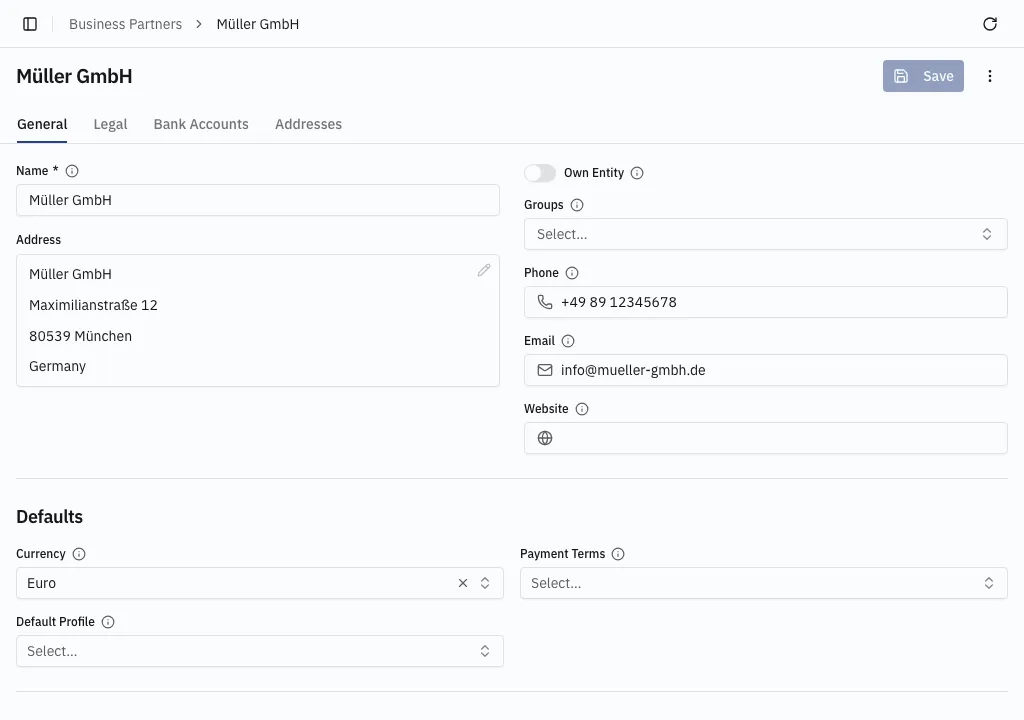
On General, fill in the Name, the primary Address, contact details, and any Groups the partner belongs to.
-
Under Defaults, set the Currency, the Payment Terms the partner trades on, and a Default Profile — the selling identity proposed on a new order when this customer is picked.
-
Save.
VAT registration
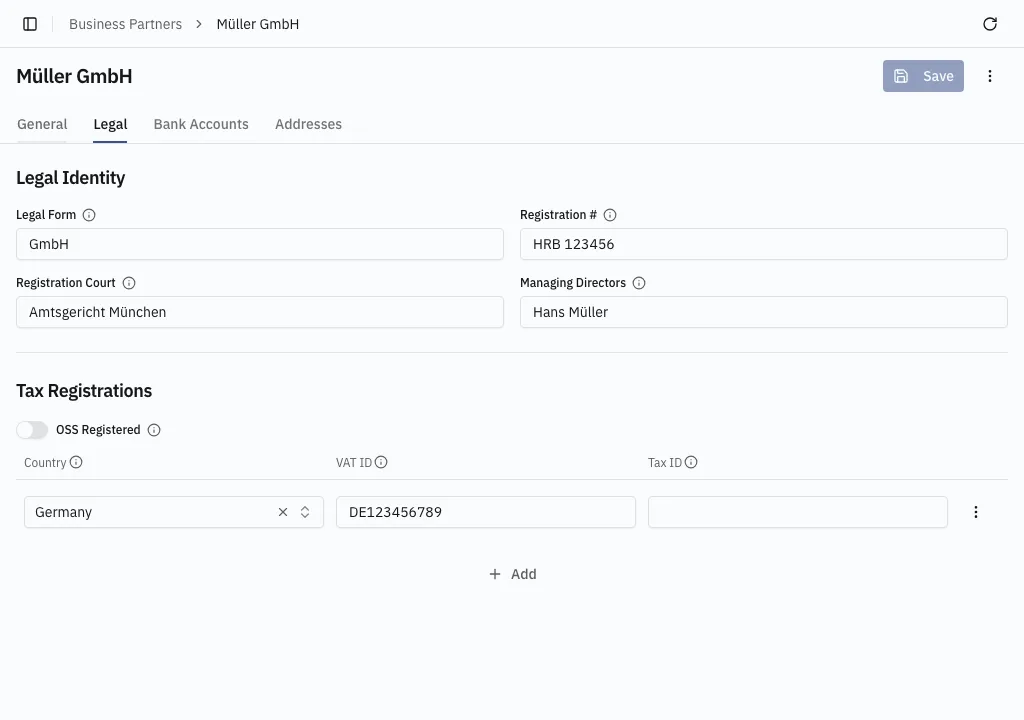
Section titled “VAT registration”On the Legal tab, record a Tax Registration — a Country and a VAT ID.
On a customer it is optional and only changes the rate: a VAT ID in the country the goods go to is what makes an EU sale come out without VAT.
Your own company
Section titled “Your own company”A partner becomes one of your own companies by being the Company a profile sells as — there is no flag on the partner itself. That one needs four things a customer does not — an address with a country, a tax registration for that country, a default bank account, and OSS Registered if it sells to consumers in other EU countries. Your company and profile walks through it.
The other tabs
Section titled “The other tabs”- Addresses — separate shipping and billing addresses.
- Bank Accounts — the IBAN and BIC to pay. The one ticked Default is the one printed.
Retiring a partner
Section titled “Retiring a partner”A partner that appears on a document cannot be deleted. Archive it from More actions (⋮) instead — see Actions and archiving.